What n8n does
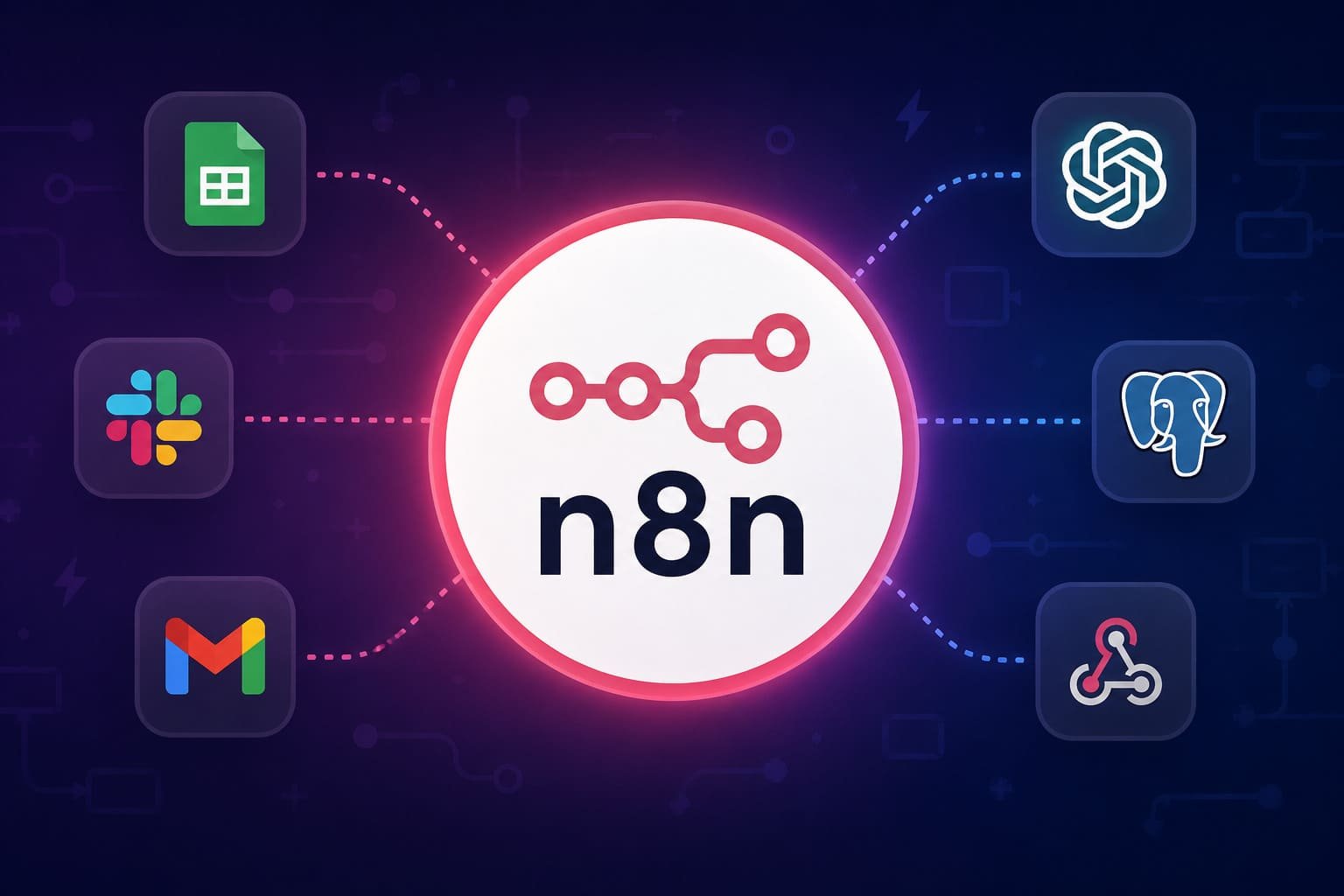
n8n is a workflow automation platform for connecting tools, APIs, data, and business logic into automated workflows. It uses a visual node-based editor, but it also allows more technical control through code, HTTP requests, custom logic, and self-hosting.
In plain terms, n8n helps move work between systems without relying on someone to copy, paste, check, remind, update, or chase the same thing every week.
It can connect forms, CRMs, spreadsheets, email, Slack, databases, AI models, webhooks, and hundreds of integrations. It can also run AI workflows and agentic steps where the system needs to read, classify, draft, route, summarize, or prepare information before a human takes action.
Why it is useful
n8n is useful because many small businesses do not have one big operational problem. They have many small breaks in the flow.
A lead arrives, but follow-up depends on memory. A form is submitted, but the CRM is updated later. A report is prepared manually every Friday. A client request sits in an inbox. A founder checks three places just to know what is happening.
n8n can reduce that manual glue.
The value is not that it automates everything. That is the wrong goal. The value is that it can make repeated work more visible, more consistent, and less dependent on one person holding the whole process together.
Where it fits in real work
n8n fits best when a business already has a repeated workflow that follows a clear pattern.
Examples include lead capture, follow-up reminders, CRM updates, internal notifications, reporting updates, invoice checks, client onboarding, content operations, support routing, and data cleanup.
It is especially useful when work moves across several tools and the handoff is currently manual. That is usually where time disappears. Not because the task is complex, but because nobody has designed the flow properly.
For consultants, operators, founders, marketers, and service businesses, n8n can act as the operational layer between tools. It helps connect the steps that people usually manage with memory, screenshots, spreadsheets, and repeated checking.
Better use cases
- Lead intake and follow-up: capture form submissions, create records, notify the right person, trigger reminders, and track whether follow-up happened.
- Reporting workflows: pull data from different sources, clean it, update a sheet or database, and send a short summary to the team.
- Client onboarding: collect client details, create folders, send intake emails, assign tasks, and prepare internal handoff notes.
- CRM hygiene: update records, flag stale leads, enrich missing fields, and reduce manual admin work.
- AI-assisted routing: classify inbound messages, summarize context, draft responses, or suggest next steps before a human approves the action.
- Approval workflows: pause sensitive steps for human review before sending messages, changing records, or triggering external actions.
- Content operations: collect ideas, structure drafts, route assets, prepare publishing checklists, and keep status visible.
What to watch out for
n8n gives a lot of control. That also means it can become messy fast if the process is not clear before the workflow is built.
The biggest mistake is using n8n to automate a broken workflow. If nobody knows who owns the next step, what should happen after a trigger, or what counts as success, automation will not fix it. It will just make the confusion run faster.
Self-hosting is powerful, but it requires technical responsibility. You need to think about server setup, security, backups, updates, scaling, credentials, and monitoring. For many small teams, n8n Cloud is simpler. For teams that need more control over data and infrastructure, self-hosting may make sense.
AI workflows also need boundaries. An AI step should not be allowed to take important business actions without clear rules, logs, and review where needed.
Best practical workflow
- Start with one painful workflow. Do not start by browsing integrations. Start with a repeated problem that wastes time or causes mistakes.
- Map the current process. Write down the trigger, inputs, steps, decisions, owners, tools, outputs, and failure points.
- Remove unnecessary steps first. A simpler manual process is easier to automate than a messy one.
- Define the trigger clearly. A workflow needs a clean starting point: form submitted, email received, row updated, webhook fired, schedule reached, or status changed.
- Build the workflow in small parts. Test each step before adding more logic.
- Add visibility. Log what happened, where it happened, and whether the workflow succeeded or failed.
- Use AI only where it earns its place. Good AI steps include classification, summarization, extraction, drafting, routing, and decision support.
- Add human review for sensitive actions. Do not let automation send, delete, approve, or change important data without a clear control point.
- Document the workflow. The workflow should not become another thing only one person understands.
How I would use it
I would use n8n as an operational control layer for small teams and service businesses.
Not as a toy. Not as a way to show off complex automation maps. As a practical system for reducing missed follow-up, manual reporting, scattered updates, and founder dependency.
My first use case would usually be lead handling:
- capture the lead from a form or inbox
- save it in a CRM or structured sheet
- notify the right person
- generate a short internal summary
- create a follow-up task
- check whether follow-up happened
- send a daily or weekly visibility report
That kind of workflow is not glamorous. It is useful. It fixes a real business leak.
After that, I would use n8n for reporting, onboarding, CRM cleanup, client handoffs, and AI-assisted review steps. The tool earns its place when it makes execution clearer, faster, and more consistent.