
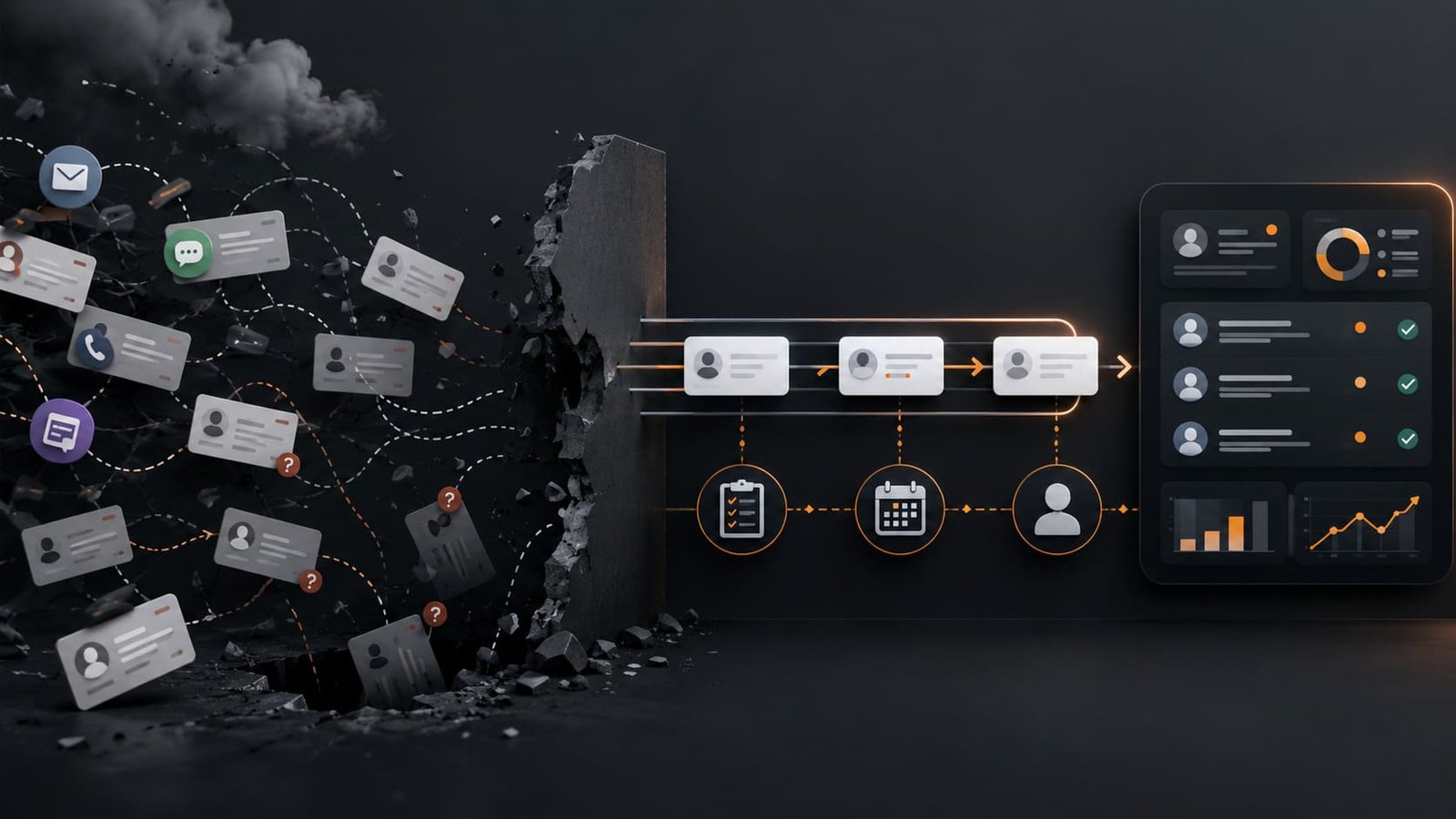
What this guide does
This guide helps you review your follow-up process before you automate it.
It is built for a simple but common problem: leads arrive, someone should respond, but the next step depends on memory, inbox checking, or one person holding the process together.
The guide walks through lead capture, response time, reminders, ownership, and visibility. The goal is not to add another tool. The goal is to find where follow-up actually breaks.
Why it is useful
Missed follow-up is rarely just a motivation problem.
Most of the time, it is a workflow problem. The lead arrives in one place. The owner is unclear. The reminder is weak. The next step is not visible. Nobody notices the delay until the opportunity goes cold.
Automation can help, but only after the process is clear enough to automate. If the workflow is messy, automation just makes the mess move faster.
This guide gives you a practical way to review the system before you build on top of it.
Where it fits in real work
Use this when leads are coming from forms, email, social media, referrals, ads, calls, chat, or booking pages and follow-up still feels inconsistent.
It fits service businesses, consultants, small teams, local businesses, agencies, clinics, legal firms, real estate teams, and any business where response speed affects trust.
It is especially useful when the business already has tools, but the follow-up still depends on someone remembering to check, reply, assign, or chase.
Better use cases
- Lead capture review: Check every place a new inquiry can enter the business.
- Response-time cleanup: Measure how long it takes before a lead gets the first real reply.
- Ownership clarity: Define who owns the first reply, the second touch, and the handoff.
- Reminder design: Replace memory-based follow-up with visible tasks or queues.
- Automation readiness: Decide what should be automated only after the manual workflow is clear.
What to watch out for
Do not start by asking, “What tool should we use?”
Start by asking where the lead goes, who sees it, who owns it, what happens next, and how the business knows whether it happened.
Watch out for hidden channels. Website forms, LinkedIn messages, WhatsApp, email, phone calls, referrals, and ad leads often sit in separate places. That makes follow-up look like a people problem when it is actually a visibility problem.
Also watch out for fake automation readiness. If nobody can explain the current process clearly, the process is not ready to automate yet.
Best practical workflow
- List every lead source. Include website forms, email, calls, chat, social messages, referrals, paid ads, and booking pages.
- Track where each lead lands. Write down whether it goes to an inbox, spreadsheet, CRM, notification, chat thread, or person.
- Measure first response time. Count from the moment the lead arrives, not from the moment someone notices it.
- Define the owner. Every lead needs one clear owner for the first response. Shared responsibility usually means weak responsibility.
- Define the next action. Reply, qualify, book a call, send information, assign to sales, or close as not relevant.
- Create a reminder rule. If there is no response within the agreed time, the system should make the delay visible.
- Create a simple follow-up standard. For example: first response within one business hour, second touch within 24 hours, final check after three business days.
- Review the misses weekly. Do not just count leads. Look at where they got delayed, dropped, duplicated, or hidden.
- Simplify before automation. Remove unnecessary steps, merge duplicate channels where possible, and document the flow.
- Automate only the stable parts. Automate notifications, task creation, owner assignment, reminders, status updates, and reporting only after the rules are clear.
How I would use it
I would not start by building a complex follow-up automation.
I would first pick one lead source and trace the full path from inquiry to first reply. Then I would check where the process depends on someone remembering, checking, forwarding, or updating something manually.
If the issue is unclear ownership, I would fix ownership first.
If the issue is poor visibility, I would centralize the lead view or create a simple tracking sheet.
If the issue is slow response, I would define a response-time standard and create reminders around it.
Only then would I automate. Not because automation is the point, but because the workflow is finally clear enough to trust.